
Edge Caching Explained: Faster File Access for Distributed Teams
Teams today are spread out like never before. A company might have headquarters in one city, regional offices in several others, and employees working from home in dozens of places. Everyone needs the same files, but distance and bandwidth can turn a simple file open into a frustrating wait.
Edge caching is one of the most effective ways to fix that. It sounds technical, but the idea is simple.
The basic idea
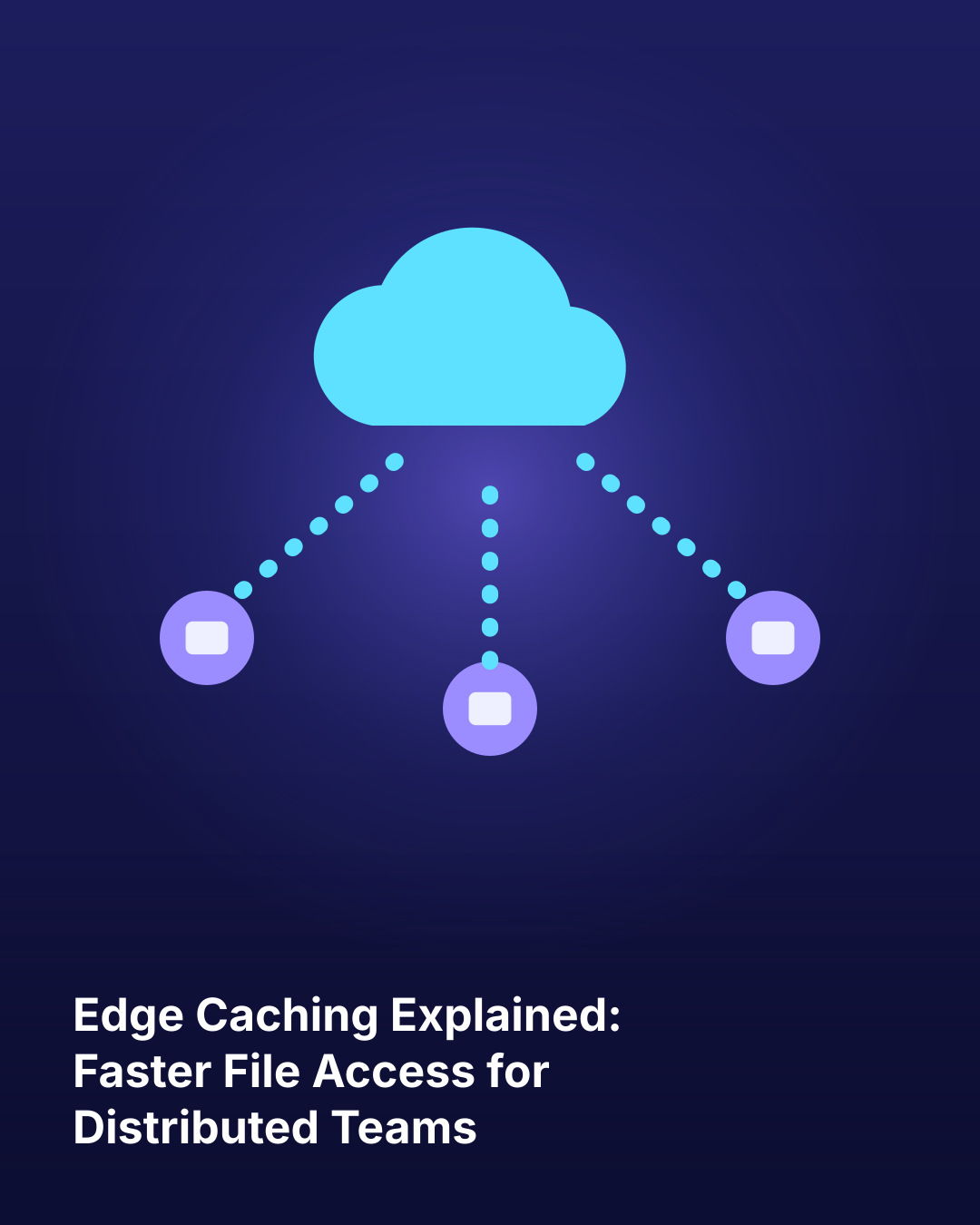
A cache is a nearby copy of something you use often. Edge caching places copies of frequently used files close to where people work, at the “edge” of the network. That might be a small appliance in a branch office or a virtual server in a nearby data center.
When someone opens a file, the system checks the local cache first. If the file is there, it opens almost instantly. If it isn’t, the system pulls it from the cloud and keeps a copy nearby for next time.
Why it makes such a difference
Large files feel the impact most. Opening a 500 MB engineering model over a slow connection can take minutes. From a local cache, it can take seconds. Multiply that by dozens of files a day and hundreds of employees, and the time savings are huge.
Edge caching also reduces internet traffic. Instead of every person downloading the same big file separately, the cache serves it locally to everyone at that site.
Keeping everyone in sync
A common question is how changes stay consistent. Modern systems handle this with smart syncing and file locking. When someone edits a file, the change flows back to the cloud and on to other caches. File locking prevents two people from overwriting each other’s work on the same file at the same time.
Where it fits best
Edge caching is especially helpful for:
- Branch offices with limited or shared internet connections
- Teams that work with large design, video, or data files
- Sites that need to keep working during internet outages
- Global teams collaborating across long distances
The Bottom Line
Edge caching brings files closer to the people who use them, turning slow, frustrating downloads into quick, local access. It keeps distributed teams in sync while cutting bandwidth use and improving reliability. For companies with spread-out offices or heavy files, it’s a practical way to make the cloud feel fast everywhere. The result is happier employees and more productive teams, no matter where they log in.